The Software Is Live. What Happens Next?
Launching a new business application, customer portal or web platform is an important milestone. Development has been completed, testing is finished and the system is now available to its users.
At this point, it may seem that the project is over.
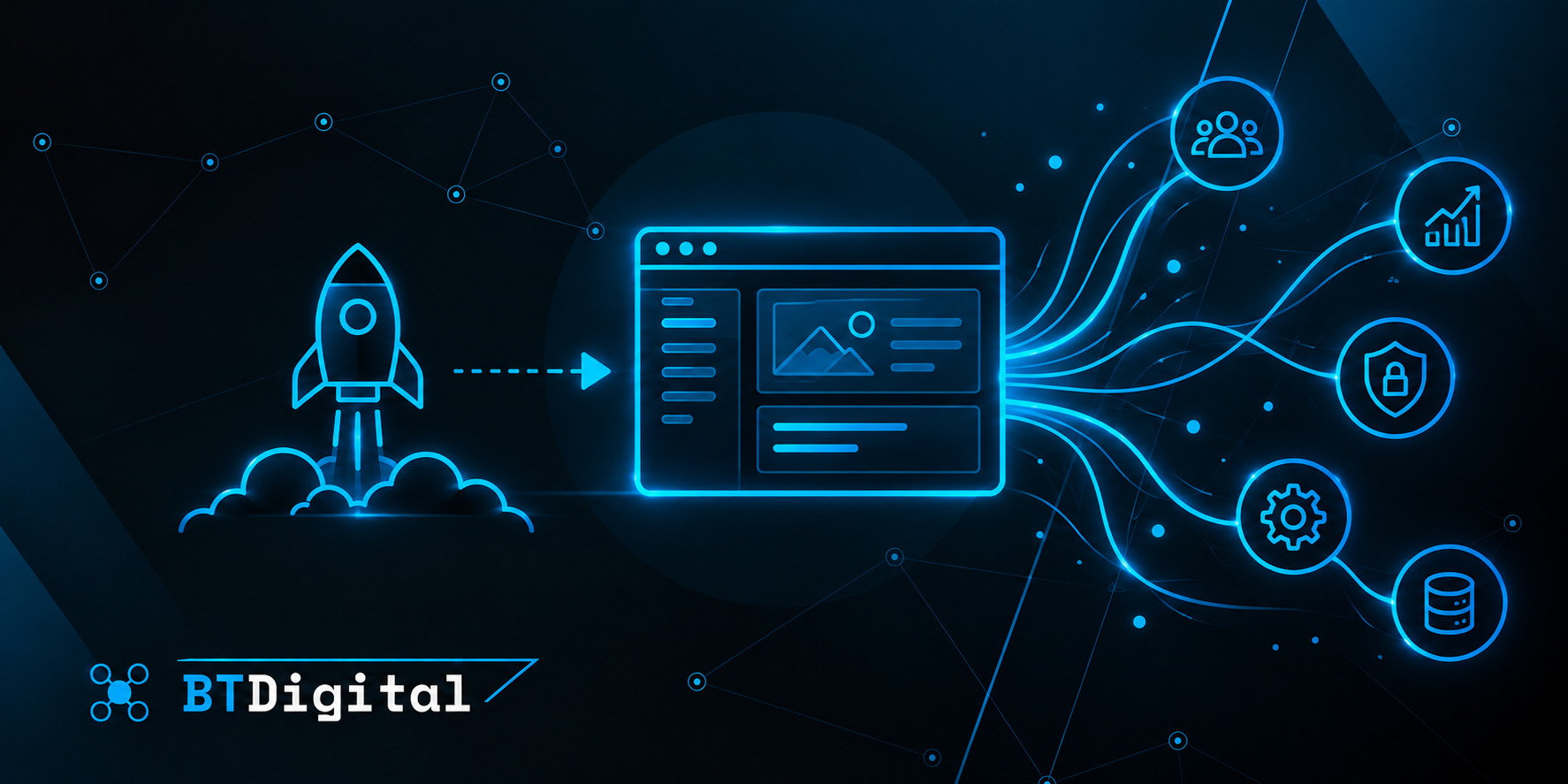
In practice, however, launch is not necessarily the end of the work. It marks the beginning of a new stage in which the software must prove itself in everyday business operations.
Real users, live data, changing workloads and unexpected situations all become part of the equation. Meanwhile, business requirements may continue to evolve.
To ensure that the software continues to deliver value, businesses need to consider what happens after launch.
1. The first days: checking real-world performance
Testing before launch is intended to identify as many issues as possible before users begin working with the system.
However, a testing environment cannot always reproduce every real-world situation.
After launch, actual customers and employees begin using the application with live data and different usage patterns.
For example, users of a new customer portal may follow workflows in a different order than originally expected.
In an internal business application, a rarely used process may only be exercised once the system is in production.
This makes the period immediately after launch particularly important for monitoring performance, handling reported issues and collecting user feedback.
The objective is not simply to make the application available, but to ensure that it operates reliably in everyday use.
2. Monitoring: how can problems be detected?
Monitoring a business system should not depend entirely on users reporting problems.
Some issues can be identified before they cause visible disruptions.
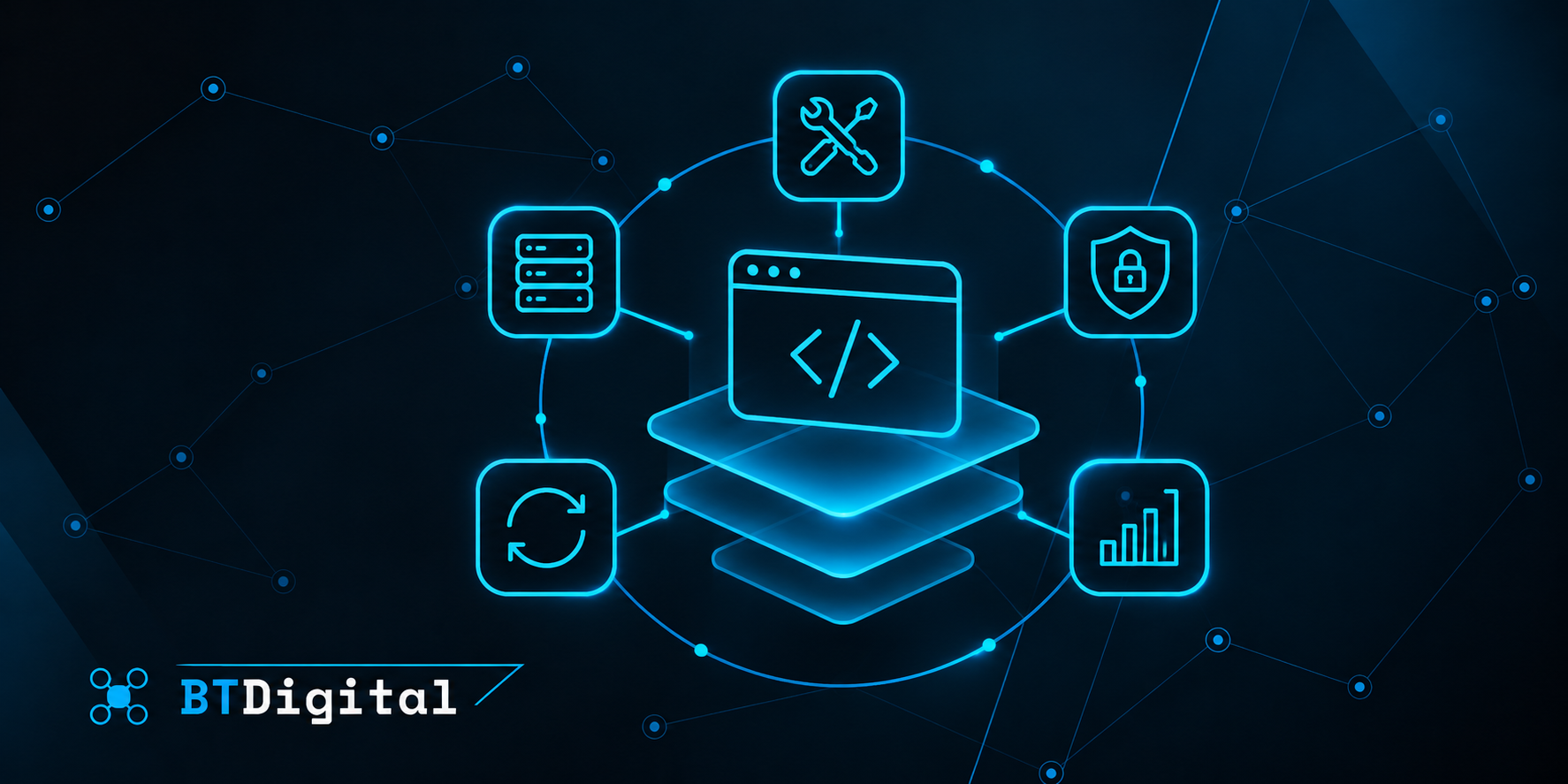
System monitoring can help track server load, application response times, error rates and the operation of background processes.
For an order management system, for example, it may be important to verify that incoming orders are being processed correctly.
In another application, a problem may occur when an external service stops responding and certain information is no longer updated.
Appropriate monitoring tools can alert the responsible team when such situations arise.
Monitoring cannot guarantee that failures will never happen, but it can significantly improve how quickly problems are identified and addressed.
3. Bug fixes and support: what happens when something goes wrong?
Even thoroughly tested software can experience errors.
The important question is therefore not only whether problems occur, but also how they are handled.
A minor visual issue generally creates less business risk than a failure that prevents customers from logging in or stops orders from being processed.
It is useful to classify issues according to their severity and business impact.
A clearly defined support process establishes how problems can be reported, who is responsible for investigating them and how priorities are determined.
For business-critical systems, expected availability and support arrangements may need to be agreed upon in advance.
An internal administration tool used during office hours and a customer-facing service expected to operate around the clock may have very different support requirements.
4. Security updates: software cannot remain unchanged
Software security is not a one-time task.
The technologies, libraries and external services used by an application continue to change after launch.
New vulnerabilities may be discovered, security updates may become available and support for certain components may eventually end.
Production systems therefore require ongoing attention to security updates and access management.
This may involve reviewing user permissions, updating dependencies and addressing known vulnerabilities.
These activities often do not result in visible new features, but they play an essential role in keeping the system reliable.
Maintenance is therefore not simply about fixing bugs. It also involves preserving the conditions required for secure operation.
5. Backups and recovery: what happens after an unexpected failure?
Business applications often manage important information.
This may include customer records, orders, documents, inventory data and internal business records.
Losing access to this information, or losing the information itself, can cause significant disruption.
A suitable backup strategy is therefore an important part of ongoing operations.
However, creating backups is not enough.
It is also necessary to verify that the information can actually be restored when required.
Businesses may need to determine how much data loss would be acceptable in the event of a failure and how quickly the system must be restored.
These expectations help determine the appropriate backup and recovery approach.
6. User feedback: real usage reveals new requirements
Once an application is in use, people may discover needs that were not obvious during planning.
A feature may work correctly but require more steps than users expected.
Employees may repeatedly search for the same information, suggesting that an additional filter or search function could improve efficiency.
Such feedback can provide valuable direction for future development.
However, it is important to distinguish bugs, usability issues and requests for entirely new features.
Not every user request needs to be implemented immediately.
Prioritisation should consider how many users are affected, the potential business value and the effort required to make the change.
7. Performance and growth: today's capacity may not be enough tomorrow
At launch, an application may serve a relatively small number of users and process limited amounts of data.
As the business grows, demand on the system may increase.
More customers, transactions, records and complex workflows can place additional pressure on the application.
For example, a customer portal may perform well with a few hundred users but eventually need to support several thousand active customers.
This may require database optimisation, improvements to background processes or additional infrastructure capacity.
Monitoring performance over time can help identify when such changes become necessary.
Effective operations therefore involve not only maintaining current performance but also preparing for future growth.
8. Continuous improvement: evolving with the business
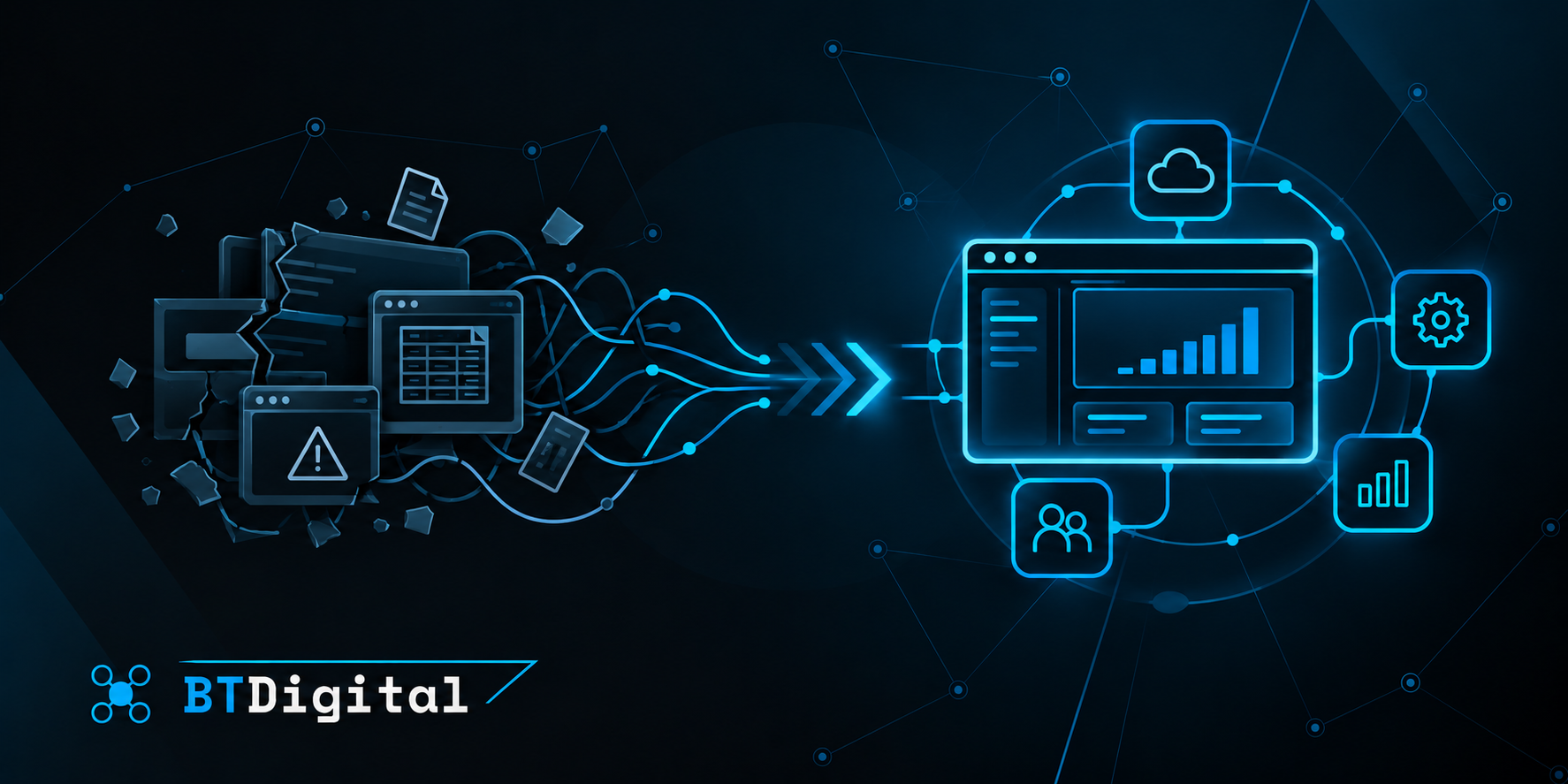
Business software rarely remains completely unchanged over the long term.
Companies introduce new services, modify internal processes and adopt additional systems.
As a result, applications may require new features, integrations or changes to existing functionality.
A relatively simple customer portal, for example, may later be extended with document management, automated notifications or CRM integration.
It is important that these improvements are not treated as isolated modifications.
The overall architecture, interaction between features and long-term maintainability should also be considered.
A planned approach to continuous improvement can help software adapt to changing business requirements without becoming unnecessarily complex.
What does software cost after launch?
The total cost of custom software does not necessarily end with development and deployment.
Ongoing expenses may include hosting and infrastructure, monitoring, security updates, bug fixes, third-party service fees and future development.
The level of these costs depends heavily on the complexity and business importance of the system.
A small internal application may have very different operational requirements from a high-traffic customer platform expected to be available continuously.
It is therefore worth considering maintenance and support requirements during the initial planning stage.
Understanding these long-term costs helps businesses evaluate the full investment involved in a software project.
What makes software successful after launch?
The success of software is not determined solely by whether it was delivered on time and launched correctly.
It is equally important to consider whether the application continues to support business operations effectively.
Is it reliably available? Can problems be resolved quickly? Does it remain secure? Can users complete their tasks efficiently? Can the system adapt to new business requirements?
Real-world experience after launch provides answers to these questions.
Monitoring, maintenance and planned improvements help ensure that the software becomes more than a successfully completed project. They allow it to remain a valuable business tool over time.
The BT Digital approach
BT Digital approaches software launch as an important milestone rather than necessarily the end of the development relationship.
For custom web and business applications, backend systems, APIs and integrations, reliable operation after deployment is an important consideration.
The post-launch stage may involve system monitoring, issue resolution, necessary maintenance and support for future development requirements.
Long-term maintainability is also an important part of the development approach. Appropriate architecture, clear system structure and scalability can help software adapt to changing business needs.
The objective is not simply to deliver a working application, but to create a digital solution that continues to support business operations reliably after launch.