Web App or Mobile App? When Does It Make Sense to Build Both?
When planning a new digital service or business system, a common question is whether to develop a web application, a mobile application or both.
At first, the distinction may seem straightforward. A web application runs in a browser, while a mobile application is typically installed on a smartphone or tablet. However, the decision involves much more than the way the software is accessed.
The right solution depends primarily on who will use the system, in which situations and how frequently.
An internal administration platform, a customer portal and an application supporting employees working in the field may have very different requirements.
Before development begins, it is therefore worth understanding the advantages and limitations of each approach.
What is a web application?
A web application, or web app, is software accessed through a web browser.
Users generally do not need to install a separate application. With a suitable internet connection, the system can be accessed from a desktop computer, tablet or smartphone.
Examples include customer portals, project management systems, internal administration platforms and online booking services.
One of the main advantages of web applications is that users can access the same system from different devices.
Updates can also be delivered more easily, as many changes are made centrally rather than requiring users to install a new application version.
This can be particularly useful for business systems used by many people across different devices.
What is a mobile application?
A mobile application is software designed specifically for mobile devices.
It is typically installed on Android or iOS and can make use of device-specific capabilities.
These may include the camera, location services, biometric authentication and push notifications.
Mobile applications can be particularly useful when users access a service frequently for short periods or when a smartphone is their primary working device.
Examples include delivery applications, field service tools and frequently used customer applications.
However, mobile development can introduce additional implementation, testing and maintenance requirements, especially when multiple operating systems need to be supported.
When is a web application enough?
For many business requirements, a well-designed web application is entirely sufficient.
If users primarily work on computers, manage complex data, prepare reports or perform lengthy administrative tasks, browser-based software is often a practical choice.
A CRM platform, inventory management interface or internal project management tool may not necessarily require a separate mobile application.
With responsive design, the web application can also be accessible on smartphones, even if its primary use is on desktop devices.
This can reduce development and maintenance complexity.
However, there is an important difference between a system that can be opened on a phone and one that provides a genuinely convenient mobile experience.
A complex administration interface may technically work on a smartphone while still being difficult to use on a smaller screen.
When is a mobile application the better choice?
A mobile application becomes more relevant when user behaviour or required functionality specifically benefits from a mobile-first experience.
This may be the case when users open the application several times a day, immediate notifications are important, the camera or location services are frequently required, or the system must remain usable with limited connectivity.
For example, a field service technician may use a mobile application to record completed work, take photographs, attach documents and save certain information offline for later synchronisation.
Similarly, a customer-facing application may benefit from allowing users to access a service quickly with just a few taps.
A mobile application does not automatically provide a better user experience, however. Its advantages become meaningful when they directly support how the system will be used.
A mobile-friendly web app is not the same as a mobile app
A responsive web application can adapt to the screen size of a smartphone.
However, this does not necessarily mean that it provides all the capabilities of a native mobile application.
Browser and mobile platform support continues to evolve, and many mobile-oriented features are now available through web technologies.
Progressive Web Apps, or PWAs, can offer features such as home-screen installation, notifications and certain offline capabilities in supported environments.
However, availability and behaviour can differ between browsers and operating systems.
If background processing, extensive device integration or complex offline data management is critical to the project, these requirements should be evaluated carefully during planning.
When does a business need both?
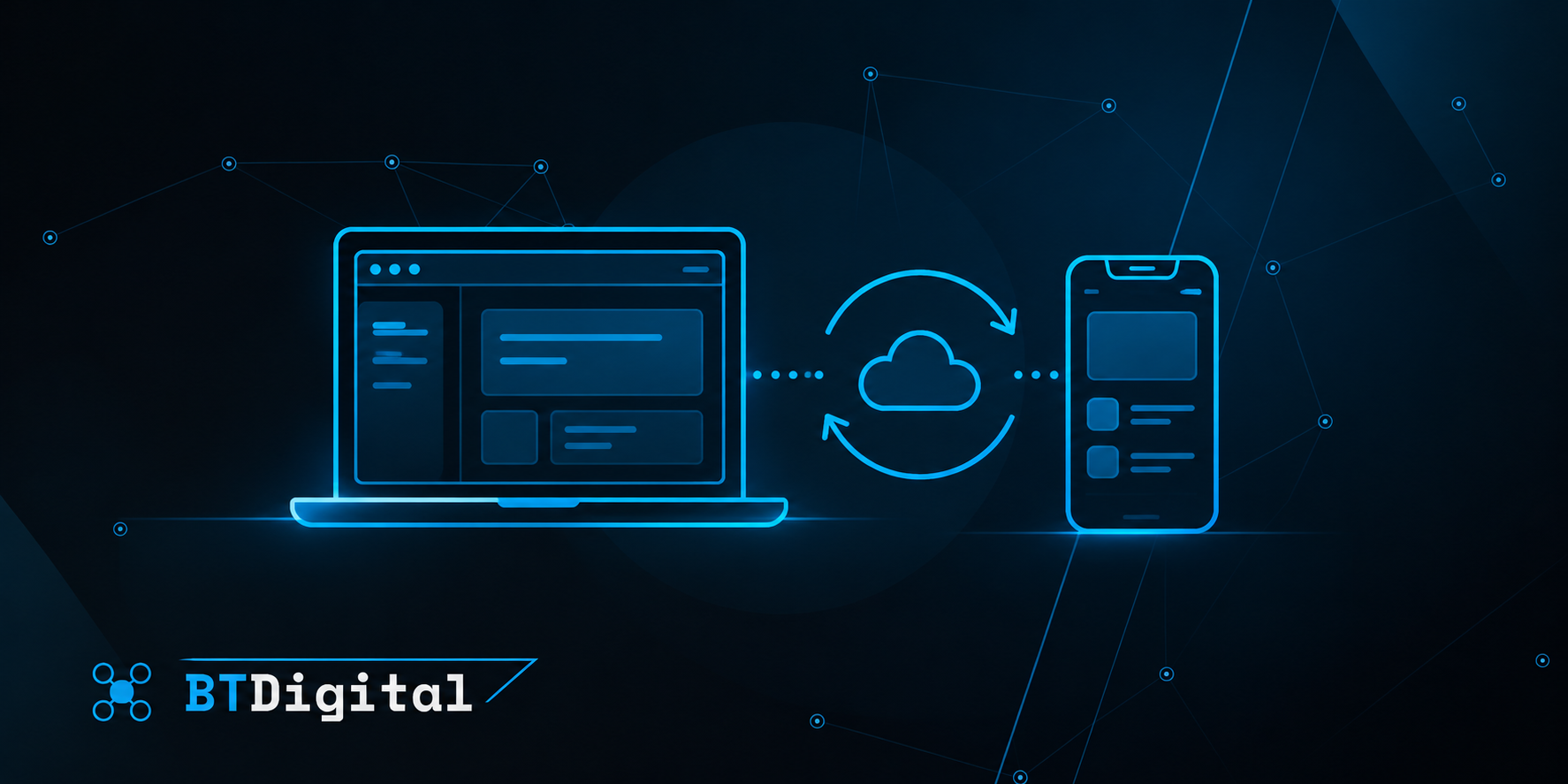
In some business systems, web and mobile applications are not competing alternatives. They are two different interfaces to the same service.
A logistics company, for example, may use a web application to plan deliveries, coordinate employees and manage reports.
At the same time, drivers may use a mobile application to view assigned tasks, confirm deliveries and capture photographs or location information.
A similar approach can work for a field service company.
Office employees may manage customers and work orders through a browser, while technicians record completed tasks through a mobile application.
In these situations, the two interfaces serve different user needs while connecting to the same underlying business system.
Two interfaces, one shared backend
When both a web application and a mobile application are required, it is not necessarily necessary to build two completely separate systems.
Both interfaces can use a shared backend, database and business logic.
The web and mobile applications can communicate with the same backend through APIs.
This makes it possible to manage customer information, orders, tasks and other business data consistently across both interfaces.
For example, an office employee may create a new task in a web application, which then becomes available to a field employee through a mobile application.
Once the task is completed, the information can be sent back to the central system.
This architecture can reduce duplication because shared business rules do not need to be implemented independently in every interface.
However, careful planning is still required, particularly for access control, data security and offline synchronisation.
How does the decision affect development costs?
The cost of web and mobile application development cannot be compared based on platform alone.
Required features, user roles, integrations and overall system complexity are equally important.
In general, developing and maintaining a single web application may be simpler than supporting several separate client applications.
When both web and mobile interfaces are developed, additional design, development and testing work is involved.
Mobile applications may also require consideration of Android and iOS compatibility, app store requirements, operating system updates and testing across different devices.
Shared backend systems and cross-platform development approaches can reduce duplicated work, but they do not eliminate all platform-specific requirements.
The decision should therefore consider not only the initial development investment but also long-term operation and future improvements.
Not everything needs to be built at once
For a new digital service, developing both web and mobile applications from the first release is not always necessary.
In many cases, it is more effective to begin with the solution that supports the most important user needs.
If the primary objective is to digitalise a business process, a well-designed web application may provide a suitable starting point.
Actual usage can later reveal whether a separate mobile application is needed and which features would justify its development.
In other situations, the mobile application may be the primary product, with a web-based administration interface introduced later.
A phased approach can help reduce initial investment and ensure that further development is informed by real user experience.
How should a business choose?
Before development begins, several questions should be considered.
Who will use the system? Which devices do they use for their work? How frequently will they access the application? Are cameras, location services or notifications required? Is offline functionality important? Do all users need the same features, or are there different roles?
It is also important to determine whether the system primarily supports internal business processes or provides a digital service directly to customers.
The answers can help establish whether a web application is sufficient, whether a mobile application is justified or whether combining the two would provide the best solution.
The BT Digital approach
BT Digital approaches the choice between web and mobile applications by first understanding the business requirements and user workflows.
Not every digital service needs a dedicated mobile application, and not every business process can be supported effectively through a browser alone.
When developing custom web and business applications, backend systems, APIs and integrations, choosing the right system architecture is therefore essential.
If a solution requires multiple interfaces, a shared backend and consistent data management can help ensure that the different applications work together effectively.
The objective is not to develop software for as many platforms as possible, but to create a digital system that meets real user needs and provides a sustainable solution for the business.